
1. After logging in to the EMS Web App, click "My Events"

2. Navigate to your reservation date or click "Reservations" to find a listing of your upcoming reservations.

3. Click on the name of the reservation you wish to cancel.

4. Click "Cancel Reservation" on the right.

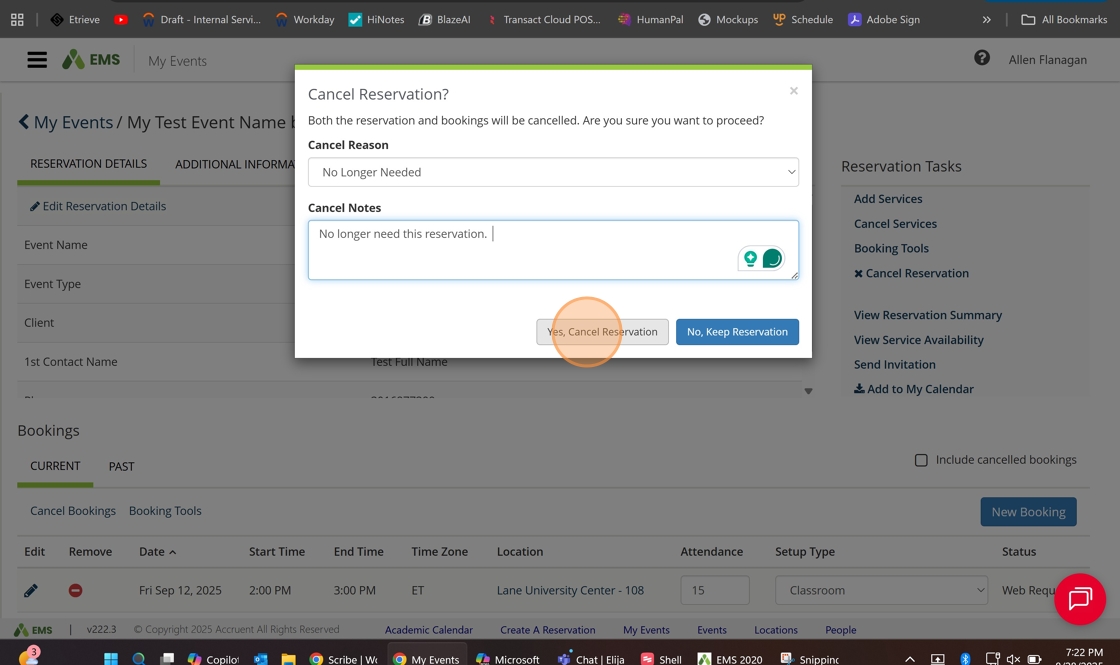
5. Enter the reason for the cancellation and any needed notes on the reason for cancellation.
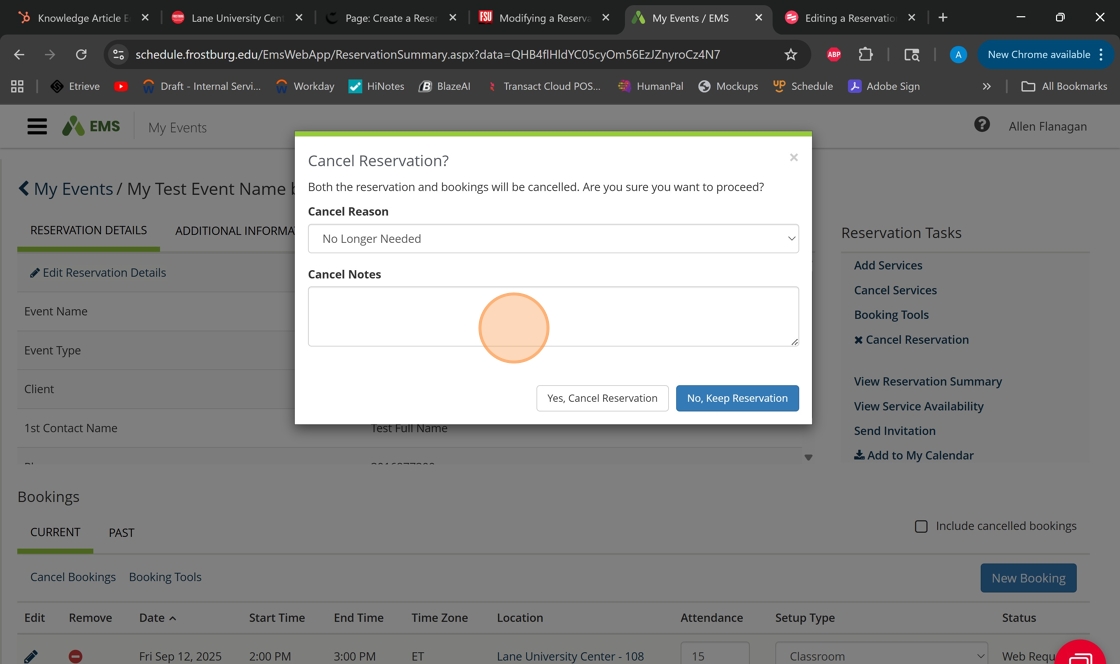
6. Click "Yes, Cancel Reservation"
7. You'll now see the status as "Cancel" for this reservation.
